


Delayed queue processing is what you reach for when you need to trigger processing at a specific future time rather than immediately. Here is how the architecture works and what to watch out for in production.
How Delayed Processing Works
When you configure a queue processor with a delayed processing time – say, queue this message for processing two minutes from now – Pega does not push the message to the Kafka topic immediately. Instead, it saves the message as a delayed item in a dedicated database table and waits.
Something then needs to push those delayed items from the database into the Kafka topic when their time arrives. That something is the delayed item data flow service – an out-of-the-box data flow run that runs continuously in the background. When a delayed message’s scheduled time is reached, this data flow picks it up and publishes it to the correct Kafka topic. The queue processor’s consumer then picks it up and processes it.
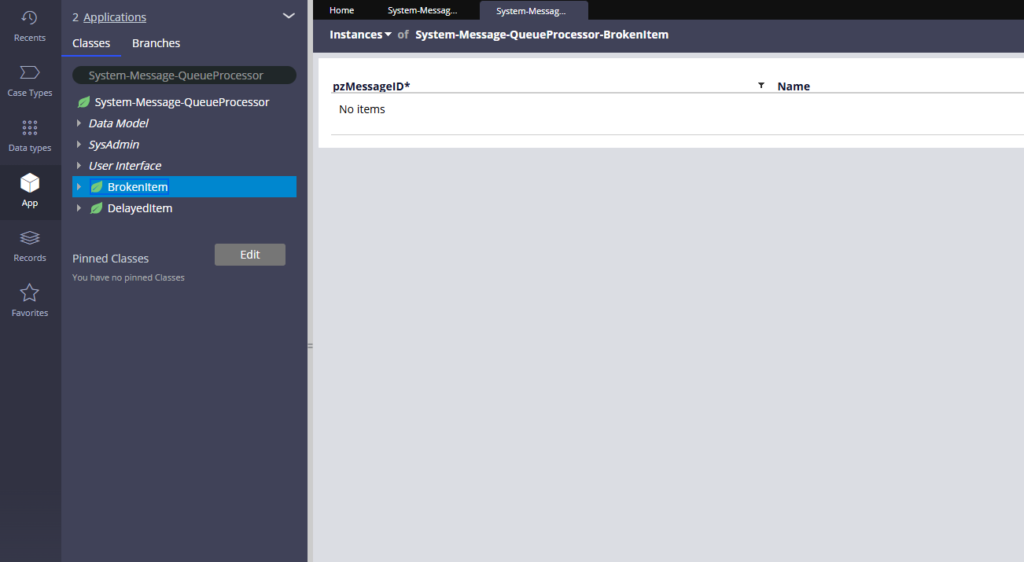
The System Queue Tables
Pega maintains two important system queue tables for this.
The delayed item table holds messages that are scheduled and waiting to be pushed to Kafka. Until the delayed item data flow service publishes them, they sit here.
The broken item table holds messages that failed processing. If a queue processor encounters an error, the message moves here for inspection and retry.
You can see both under the System-Message-QueueProcessor class in App Explorer.
Configuring a Delayed Queue Processor
When creating the queue processor rule, set the processing time using a date-time expression. For example, using the current date time plus a specified number of minutes. Once configured, any message queued to this processor will wait in the delayed item table until that time before being pushed to Kafka.
The Delayed Item Data Flow Service
This is the out-of-the-box data flow run responsible for moving delayed items to Kafka.
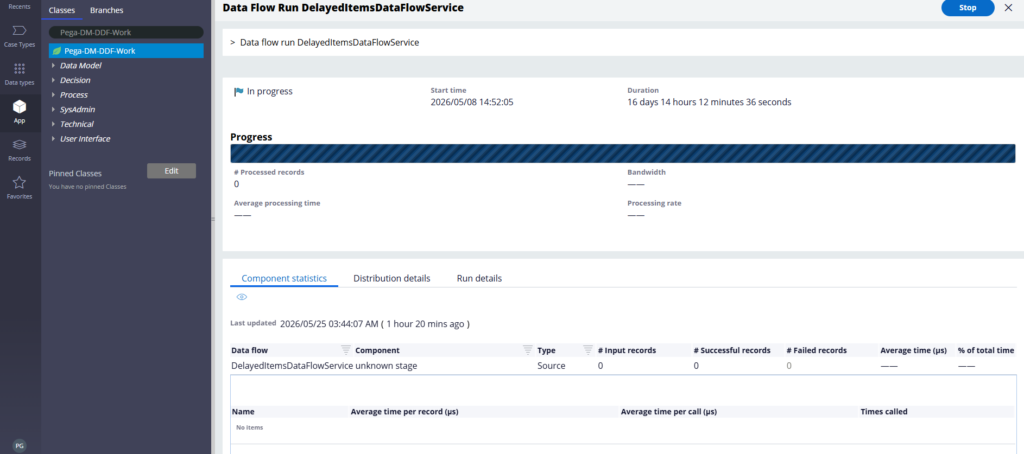
In recent Pega versions it is enabled by default. As long as it is running, your delayed messages will be published on schedule.
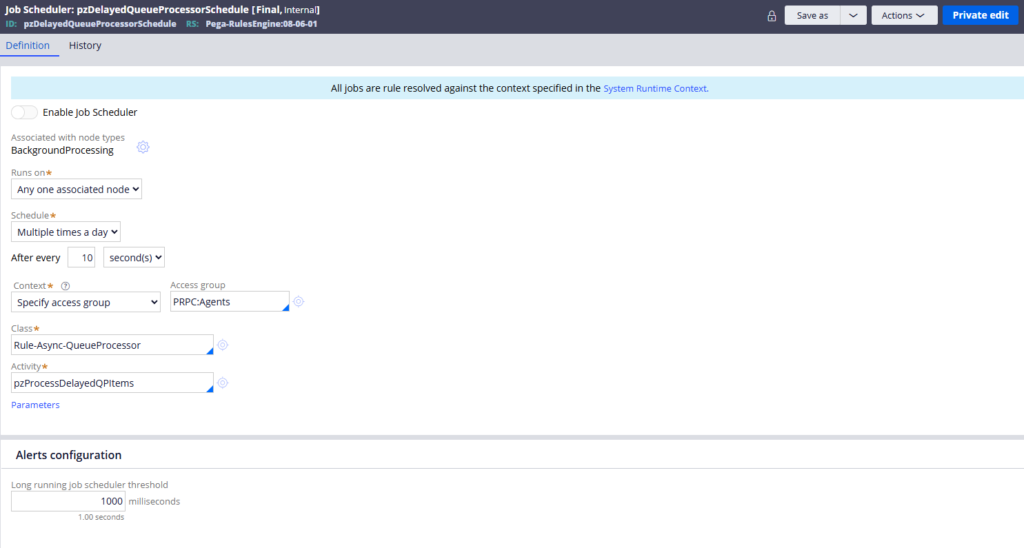
There is also a job scheduler alternative – the Delayed Queue Processor Schedule job. It is disabled by default since the data flow service handles it. You would only enable this if you have a specific reason to switch from data flow to scheduled job processing.
A Practical Production Scenario
This knowledge becomes very useful during Kafka maintenance.
If you need to clean up or process all Kafka topics before doing maintenance, stopping the delayed item data flow service gives you control. With the data flow stopped, no delayed messages get pushed to Kafka. You can then convert any immediate queue processing to delayed – this way everything goes to the delayed item database table first, nothing hits Kafka until you are ready.
Once your Kafka maintenance is complete, start the delayed item data flow service again. It will begin pushing all the accumulated delayed items to Kafka, and your queue processors will process them in order. A clean, controlled way to handle Kafka maintenance without losing messages.
Watch the Full Walkthrough
In the video below I walk through creating a delayed queue processor, configuring the processing time expression, queuing a test message, observing it in the delayed item table and watching the delayed item data flow service push it to the Kafka topic when the time arrives.
Delayed queue processing is one of those capabilities that seems straightforward until you are managing it in a production cluster. Understanding the delayed item data flow service and when to stop it is the kind of operational knowledge that makes a real difference.

